Event Access Control: A Planner’s Guide to Credentials
Event access control decides who gets in, where they can go, and how fast your gates move. Get it right and your staff can read a credential from ten feet away, your VIP areas stay VIP, and nobody walks in on a photocopied pass. Get it wrong and you get long lines, crowded restricted zones and a security team that can’t tell a real badge from a fake.
This guide walks you through setting up access control for events of any size, from a 500-person conference to a multi-day festival or stadium game day. It ends with a printable event security checklist you can use for your next show.
Key takeaways
- Map your zones before you design a single credential.
- Match the credential to the person: wristbands for crowds, badges for staff, hang tags for vehicles.
- Layer at least two security features so fakes are easy to spot.
- Choose barcode or RFID based on your budget and how much control and data you need.
- Order credentials 4–6 weeks out to leave time for proofs and changes.
What Is Event Access Control?
Event access control is the system you use to make sure the right people are in the right places at the right times. It has three parts:
- Zones: the areas of your venue, from general admission to backstage.
- Credentials: the physical item that proves someone belongs there, such as a wristband, laminated badge, pass or parking hang tag.
- Verification: how staff check that credential, by eye, with a barcode scanner or with an RFID reader.
Most access problems happen when one of these three doesn’t match the others: zones nobody defined, credentials that all look the same, or gate staff with no way to verify quickly.
Step 1: Map Your Zones and Access Levels
Start with a venue map and mark every area that needs control. Then list who needs to get into each one. Keep the number of access levels as small as you can. Every extra level is one more thing your gate staff have to remember.
|
Zone |
Who needs access |
Typical credential |
|
General admission |
Ticket holders |
Tyvek, vinyl or cloth wristband |
|
VIP / hospitality |
VIP guests, sponsors |
Premium cloth or RFID wristband |
|
Backstage / field / locker room |
Talent, crew, team staff |
Laminated badge with zone letters |
|
Press / media areas |
Credentialed media |
Media badge plus camera sticker |
|
Production & operations |
Staff, security, vendors |
Staff badge on a color-coded lanyard |
|
Parking & loading docks |
Staff, vendors, VIPs |
Parking hang tag or dock pass |
Step 2: Choose the Right Credential for Each Group
Different people need different credentials. A festival crowd of 20,000 can’t wait while staff inspect photo IDs, and your production manager shouldn’t be wearing the same wristband as a fan. For a side-by-side comparison, see wristbands vs. badges vs. keycards for event access control.
Wristbands for crowds
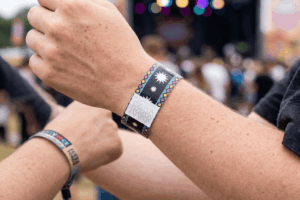
Wristbands are the fastest way to move large crowds. Once they’re on, they stay on, and most styles can’t be removed and passed to a friend without visible damage.
- Tyvek wristbands: lowest cost, best for single-day events
- Vinyl wristbands: waterproof, good for a few days outdoors
- Cloth wristbands: the most durable and comfortable, ideal for multi-day festivals and VIP
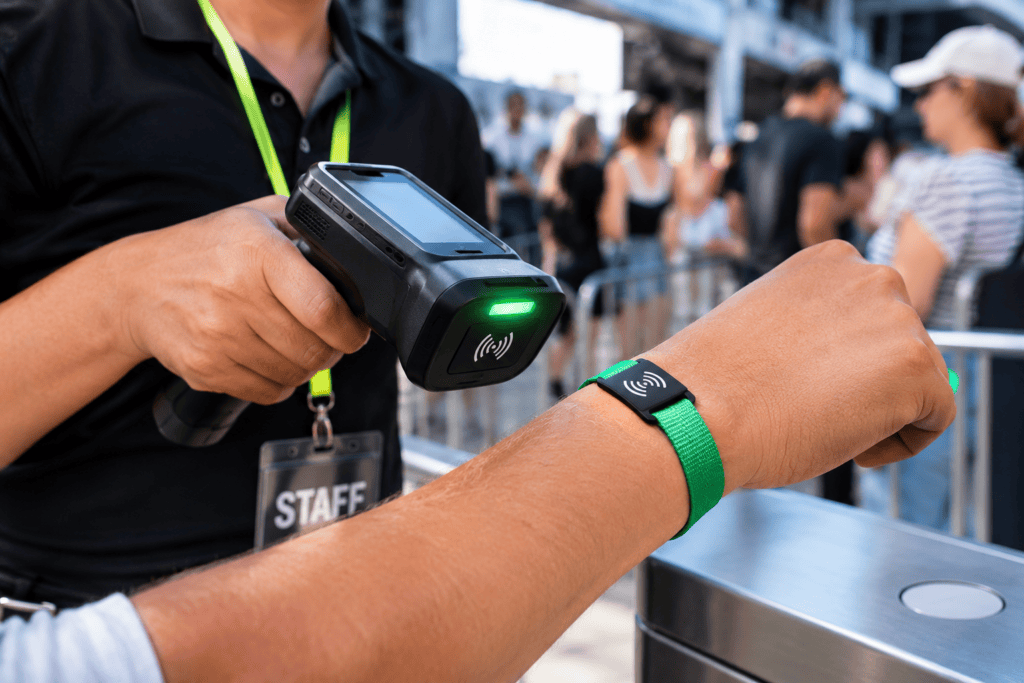
- RFID wristbands: scanned entry, re-entry tracking and cashless payments
Torn between paper and fabric? Compare cloth vs. Tyvek wristbands, or browse wristbands built for festivals, concerts and stadiums.
Laminated badges for staff, crew and media
Laminated badges carry more information than a wristband: name, role, photo, zone letters and a serial number. They’re the standard for anyone who works the event. See our guide on why laminated badges are essential for event security, or shop by event: concert and festival badges, stadium and arena badges and game day sports credentials. For long-term staff, RFID key cards double as ID and door access.
Parking hang tags for vehicles
Color-code parking hang tags by lot so attendants can wave cars through without stopping each one.
Step 3: Make Credentials Hard to Fake
Counterfeit tickets and copied passes are one of the most common gaps in event security. A credential that can be reproduced on an office printer isn’t controlling anything. Layer two or more of these features:
- Holographic materials or foil, which are very hard to copy
- Sequential numbering, so every credential is unique and trackable
- Barcodes or QR codes, which make duplicates show up the moment they’re scanned
- RFID/NFC chips, which can’t be photocopied at all
- Tamper-evident closures on wristbands, which show damage if someone tries to remove and re-use one
- Microtext and UV printing, hidden details staff can check up close
- A unique design per event or day, so last year’s pass doesn’t work this year
See how organizers put these features to work in how festival organizers prevent credential fraud and pass sharing.
RFID vs. Barcode: Which Access Control Tech Fits Your Event?
If you’re scanning credentials, you’ll choose between barcodes (including QR codes) and RFID. Both work. The right choice depends on your event.
|
Barcode / QR |
RFID / NFC |
|
|
Cost per credential |
Lower |
Higher |
|
Scan speed |
Line of sight needed |
Tap, no aiming |
|
Copy-proof |
Can be photographed and copied (duplicates are caught at scan) |
Chip can’t be photocopied |
|
Weather and wear |
Can smudge or crease |
Chip is sealed inside |
|
Cashless payments |
No |
Yes |
|
Best for |
Single-day events, conferences, tighter budgets |
Festivals, multi-day events, stadiums, cashless venues |
Want to go deeper? Read why RFID wristbands are the future of event access, do festivals really need RFID wristbands? and RFID wristbands vs. RFID cards. Ready to explore? See our RFID technology options or send us an RFID inquiry.
Step 4: Plan Event Check-In and Entry Lanes
A smooth event check-in starts weeks before doors open:
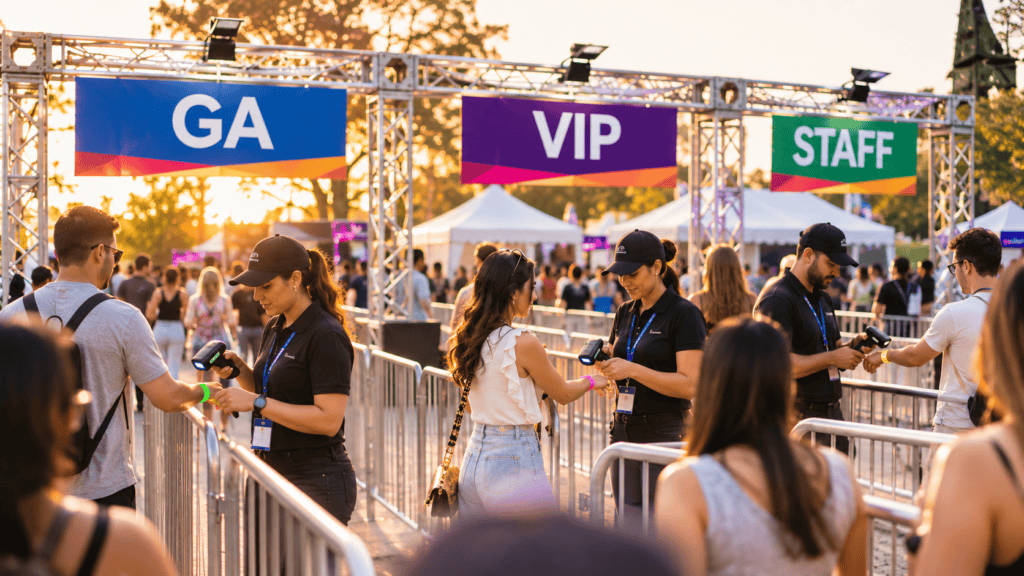
- Separate lanes by credential type: GA, VIP, staff and media should never share a line.
- Pre-kit credentials by role so staff and vendors pick up a ready-made packet instead of waiting while someone sorts badges.
- Use big, simple visual cues: large zone letters and bold colors let gate staff check at a glance.
- Brief gate staff with a one-page visual showing every valid credential for that day.
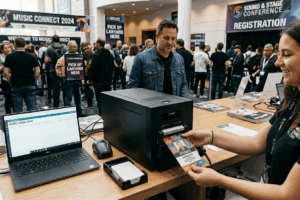
- Plan for walk-ups: keep a supply of blank credentials, or use on-site badge printing for last-minute adds. Not sure which? Read should you print badges on-site or order in advance?
Running a conference or expo? See on-site credentialing for trade show check-in.
Step 5: Handle Re-Entry, Upgrades and Lost Credentials
These are the moments when access control usually breaks down, so decide your rules ahead of time:
- Re-entry: wristbands make re-entry simple. With RFID you can also log every entry and exit.
- Upgrades: keep a small stock of VIP wristbands or upgrade stickers at a staffed desk.
- Multi-day events: use a different color or design for each day so day-one wristbands don’t work on day two.
- Lost badges: log every serial number. When a badge is reported lost, deactivate it (RFID) or flag the number with gate staff.
Concert and Festival Security: Where Access Control Breaks Down
Concert security and crowd management get harder as crowds grow. The most common weak spots are:
- Look-alike credentials: staff and VIP passes that are too similar to tell apart in low light
- Wristband sharing: loose closures that let attendees slip a band off and pass it back over the fence
- Backstage creep: “all access” passes handed out too freely (see backstage credentials for concerts and tours)
- Vendor and delivery gates: often the least watched entrance on site
- Day-of chaos: last-minute guests getting in with a handwritten list and no credential
Most of these come down to clearer credentials and tighter rules. See how custom laminates help in enhancing concert security with custom laminated badges and simplify security with the right credentials.
Event Security Checklist: Access Control Edition
Use this event security checklist as part of your event security plan. Planning a trade show? Pair it with our trade show credential planning checklist.
6–8 weeks out
- Venue map with every controlled zone marked
- Access matrix: every role × every zone
- Credential type chosen for each group
- Barcode or RFID decision made
- Security features chosen (at least two)
4–6 weeks out
- Credential designs sent to your vendor
- Proofs approved (check colors, zone letters and spelling)
- Quantities confirmed, plus 5–10% extra for walk-ups and replacements
1–2 weeks out
- Credentials received and counted
- Credentials kitted by role and department
- Gate staff briefing sheet printed
- Re-entry, upgrade and lost-credential rules written down
Event day
- Separate entry lanes signed and staffed
- Scanners tested (if used)
- Serial-number log on hand for lost or stolen credentials
How Far Ahead Should You Order Event Credentials?
Plan for at least 4–6 weeks. At Arnett, you’ll get a free proof within 24 hours, and production takes 10–15 business days after approval. Leave extra time for design changes and shipping to multiple venues. Rush production is available when your event is confirmed late. To get your artwork right the first time, use our guide to designing custom event badges.
Event Access Control FAQs
What is the best credential for event access control?
Use more than one. Wristbands work best for large crowds, laminated badges for staff, crew and media, and parking hang tags for vehicles. Match each credential to the group and zone it controls.
Is RFID better than barcode for events?
RFID is faster to scan, can’t be photocopied and supports cashless payments, which makes it ideal for festivals and stadiums. Barcodes and QR codes cost less and work well for single-day events and conferences.
How do you prevent counterfeit wristbands and passes?
Layer security features such as holographic materials, sequential numbering, barcodes or QR codes, RFID chips, tamper-evident closures and a unique design for each event or day.
How many access levels should an event have?
As few as you can manage. Most events work well with four to six levels, such as general admission, VIP, staff, media, production and all-access. More levels make it harder for gate staff to check quickly.
Is there a minimum order for custom event credentials?
Arnett orders start at 100 pieces, with a free proof in 24 hours and production in 10–15 business days.
Build Your Access Control System with Arnett
Tell us your zones, access levels and dates. We’ll recommend the right wristbands, badges and passes and send a free proof within 24 hours.
Related Posts